
GreenGeeks vs Bluehost: Which Web Hosting Is Better?
GreenGeeks or Bluehost? Compare their hosting features, introductory offers, renewal costs, storage, and website limits before choosing a provider for your blog or business website.

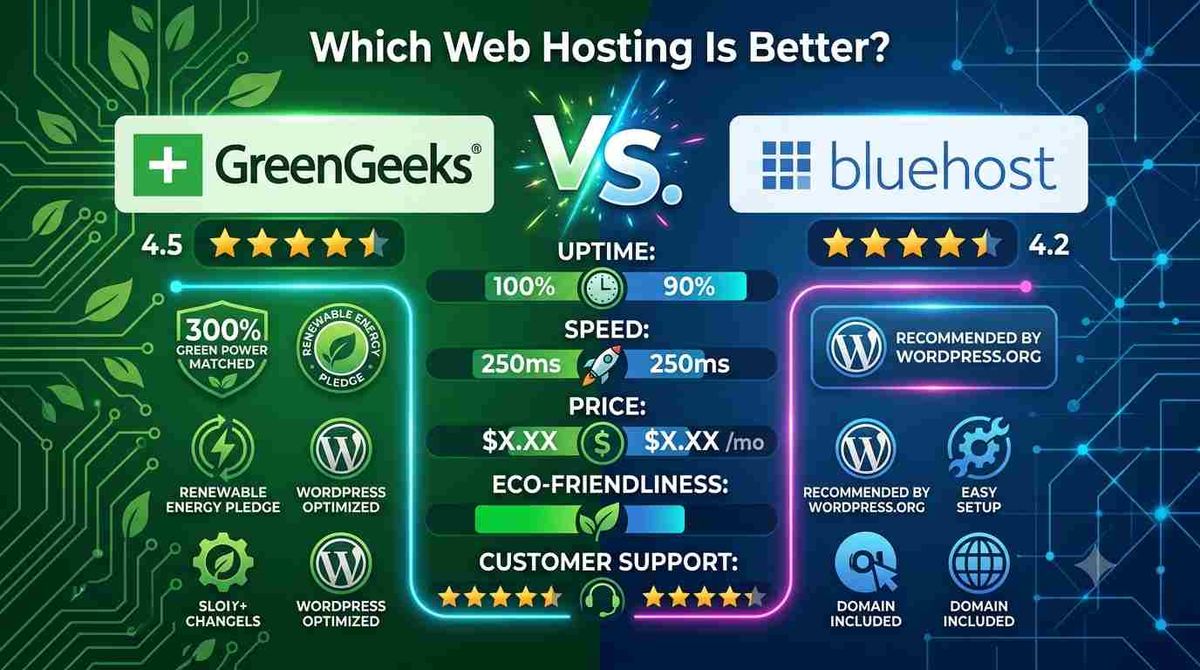
GreenGeeks and Bluehost are two web hosting providers worth comparing if you are planning to launch a blog, WordPress website, or small business site. Both offer shared hosting, SSL certificates, website management tools, and options for growing websites, but their plans and pricing structures differ.
GreenGeeks emphasizes environmentally conscious hosting, while Bluehost offers hosting plans with different website limits, storage allocations, and built-in website management features.
So, which one should you choose?
The right decision depends on your budget, the features you need, your preferred hosting setup, and how much you will pay when the introductory term ends.
Your choice also depends on your website's requirements. Our WordPress hosting selection guide explains the key factors to consider.
GreenGeeks vs Bluehost: Quick Comparison
| Feature | GreenGeeks | Bluehost |
|---|---|---|
| Best suited for | Users considering eco-conscious hosting | Beginners and small business websites |
| Entry-level plan | Lite | Starter |
| Advertised entry-level storage | 25 GB | 10 GB NVMe SSD |
| Entry-level website limit | 1 website | Up to 10 websites |
| Free SSL | Included | Included |
| Website migration | Check the service and plan terms | Free WordPress migration tool advertised |
| Backups | Features depend on plan | Weekly backups advertised on Starter |
| Introductory pricing | $2.95/month on a 12-month prepaid term | $3.99/month on a 36-month term |
| Published renewal rate | $13.95/month | $9.99/month on a 36-month term |
Prices and features are based on the providers' published international pricing pages when checked. The introductory terms are different, so the monthly rates are not a like-for-like comparison. Confirm the final checkout price and applicable terms before purchasing.
If you want to consider more than these two providers, explore our comparison of Hostinger, GreenGeeks, Bluehost and Serverbyt.
1. GreenGeeks: A Hosting Option for Environmentally Conscious Buyers
GreenGeeks offers shared hosting, WordPress hosting, VPS hosting, and other hosting services. Its shared hosting plans are designed for different website requirements, from small blogs to websites that need additional resources.
What stands out?
- Environmental initiatives: GreenGeeks promotes its renewable-energy and environmental initiatives, which may appeal to buyers who consider environmental responsibility when choosing a hosting provider.
- cPanel: Its hosting service provides cPanel for managing website files, databases, email accounts, and other hosting functions.
- SSL certificates: Free SSL certificates are included with its advertised shared hosting plans.
- Website growth: Higher tiers provide additional storage and support for more websites.
- Developer tools: The platform advertises tools and technologies such as LiteSpeed caching, subject to the applicable service and configuration.
What should you consider?
The main drawback to evaluate is the renewal cost. GreenGeeks advertises its Lite plan at $2.95 per month on a 12-month prepaid term, renewing at $13.95 per month.
The introductory price is attractive, but the renewal rate is significantly higher. You should also check whether the entry-level plan supports everything your website needs, including the number of websites you want to host and the backup arrangements you require.
GreenGeeks may suit you if: You value its environmental initiatives, want cPanel, and find its features and long-term pricing appropriate for your website.
Read our GreenGeeks review on BeingOptimist for a more detailed look at the service.
Explore the plans: Check GreenGeeks hosting.
2. Bluehost: A Hosting Option for Beginners and Growing Websites
Bluehost offers shared hosting, WordPress hosting, cloud hosting, VPS hosting, and other services. Its shared hosting plans include tools intended to help users create and manage websites without administering their own servers.
What stands out?
- Website management: Bluehost offers website-building tools and WordPress-related features.
- Storage: Its published Starter plan includes 10 GB of NVMe SSD storage.
- Website limits: The current international Starter plan advertises support for up to 10 websites, subject to the plan's resource and usage policies.
- Security features: SSL certificates and malware-related security features are advertised with the entry-level plan.
- Migration tools: Bluehost advertises a free WordPress site migration tool.
- Support: Its international pricing page advertises 24/7 chat support.
These features can be useful when starting a website, but you should confirm the exact limits of the plan you select. Website count alone does not indicate how much traffic or server workload a plan can handle.
What should you consider?
Bluehost's international Starter plan is advertised at $3.99 per month for a 36-month term, with a renewal rate of $9.99 per month for a 36-month renewal term.
That introductory rate requires a longer commitment than GreenGeeks' advertised 12-month Lite offer. Compare the total amount paid upfront and the renewal price rather than choosing a provider based on its monthly headline figure.
Bluehost may suit you if: You want its website management tools, need support for multiple small websites, and are comfortable with the subscription terms.
Read our Bluehost review on BeingOptimist for more details.
Explore the plans: Check Bluehost hosting.
3. GreenGeeks vs Bluehost: Pricing and Renewal Costs
Price is an important factor, but introductory offers can make hosting plans appear more comparable than they really are.
Here are the published entry-level offers for these two providers:
| Pricing detail | GreenGeeks Lite | Bluehost Starter |
|---|---|---|
| Advertised introductory price | $2.95/month | $3.99/month |
| Introductory billing term | 12 months prepaid | 36 months |
| Published renewal rate | $13.95/month | $9.99/month on a 36-month term |
| Advertised entry-level storage | 25 GB | 10 GB NVMe SSD |
GreenGeeks has the lower advertised introductory monthly rate, while Bluehost has the lower published monthly renewal rate for the specified 36-month term. However, the subscription periods differ, and the plans have different storage allocations and website limits.
For a fair comparison, calculate:
- The full upfront payment.
- The renewal price for your intended term.
- The number of websites you need to host.
- Whether backups, migration, and security features meet your requirements.
- Any taxes, domain charges, or optional add-ons.
Our advice: Do not select either provider solely because its promotional rate is lower. Consider the full cost of ownership and the features you will actually use.
4. Which Provider Is Better for WordPress?
Both GreenGeeks and Bluehost offer WordPress-compatible hosting options. Either may be suitable for a blog, portfolio, or small business website, provided the selected plan has sufficient resources.
Choose based on your requirements:
- For a small WordPress blog: Compare entry-level storage, backup options, and the total cost over your first and subsequent billing terms.
- For multiple websites: Check the number of permitted sites and the plan's resource restrictions.
- For a growing content website: Consider storage, caching, backup frequency, server location, and upgrade options.
- For a business-critical website: Examine support arrangements, recovery options, security features, and the resources available if your traffic grows.
Neither provider should automatically be considered faster for every WordPress website. Actual performance depends on server location, site configuration, caching, plugins, traffic, and other factors.
We have not conducted a new, controlled performance test for this comparison, so we cannot responsibly declare a speed winner.
5. GreenGeeks vs Bluehost: Pros and Cons
GreenGeeks
Pros
- Environmental initiatives may appeal to environmentally conscious buyers.
- cPanel hosting management.
- Free SSL certificates on advertised shared hosting plans.
- Higher shared hosting tiers offer more storage and support for multiple websites.
- Advertised developer tools and caching technologies.
Cons
- The introductory price is substantially lower than the published renewal rate.
- The Lite plan supports one website.
- You should verify the exact backup, migration, and resource limits of your selected plan.
Bluehost
Pros
- Website-building and WordPress-related tools.
- NVMe SSD storage on the published international Starter plan.
- Free SSL and a WordPress migration tool advertised.
- Multiple hosting tiers for different website requirements.
- Published 24/7 chat support.
Cons
- The introductory price shown requires a 36-month term.
- The published Starter plan has a 10 GB storage allocation.
- Backup and security features vary by plan.
- The advertised number of websites does not guarantee sufficient resources for every site.
These points describe published features and plan conditions, not the results of new hands-on tests.
6. Which One Should You Choose?
The better choice depends on what matters most to you.
| If your priority is... | Consider |
|---|---|
| Environmental initiatives alongside hosting features | GreenGeeks |
| Website management tools for a new site | Bluehost |
| A lower introductory rate on a 12-month term | GreenGeeks Lite |
| A published entry-level plan allowing multiple websites | Bluehost Starter |
| More storage on the compared entry-level plan | GreenGeeks Lite |
These recommendations are conditional rather than absolute. A different plan or current promotion may change which provider offers the best value.
Final Verdict: GreenGeeks or Bluehost?
GreenGeeks and Bluehost both offer options for new websites, but their entry-level plans differ in price, storage, website limits, and billing commitments.
Consider GreenGeeks if its environmental initiatives appeal to you and you prefer the features and storage allocation of its Lite plan. Make sure the renewal rate fits your budget.
Consider Bluehost if you want its website management tools, need to host multiple small websites under one plan, and are comfortable with its longer introductory subscription.
Neither is automatically the best hosting provider for everyone. Compare the current plan details, renewal prices, backup arrangements, and support options before purchasing.
Check the Current Offers
Check the checkout page for the final price, billing term, taxes, and applicable conditions.
If you're launching your first website, our guide to choosing beginner-friendly web hosting can help you identify the features you actually need.
Affiliate disclosure: This article contains affiliate links. If you purchase through an eligible link, BeingOptimist may earn a commission at no additional cost to you. We aim to explain the trade-offs clearly so readers can make an informed decision.